Closed beta

Make an animated film.
By yourself.

Cast your characters, frame every shot, draft the motion, and cut it together — with the best AI models, at their own prices. The footage behind this text came out of it.

We invite people in small waves. No spam — one email when your seat is ready.

From the set

We're making a show with it.

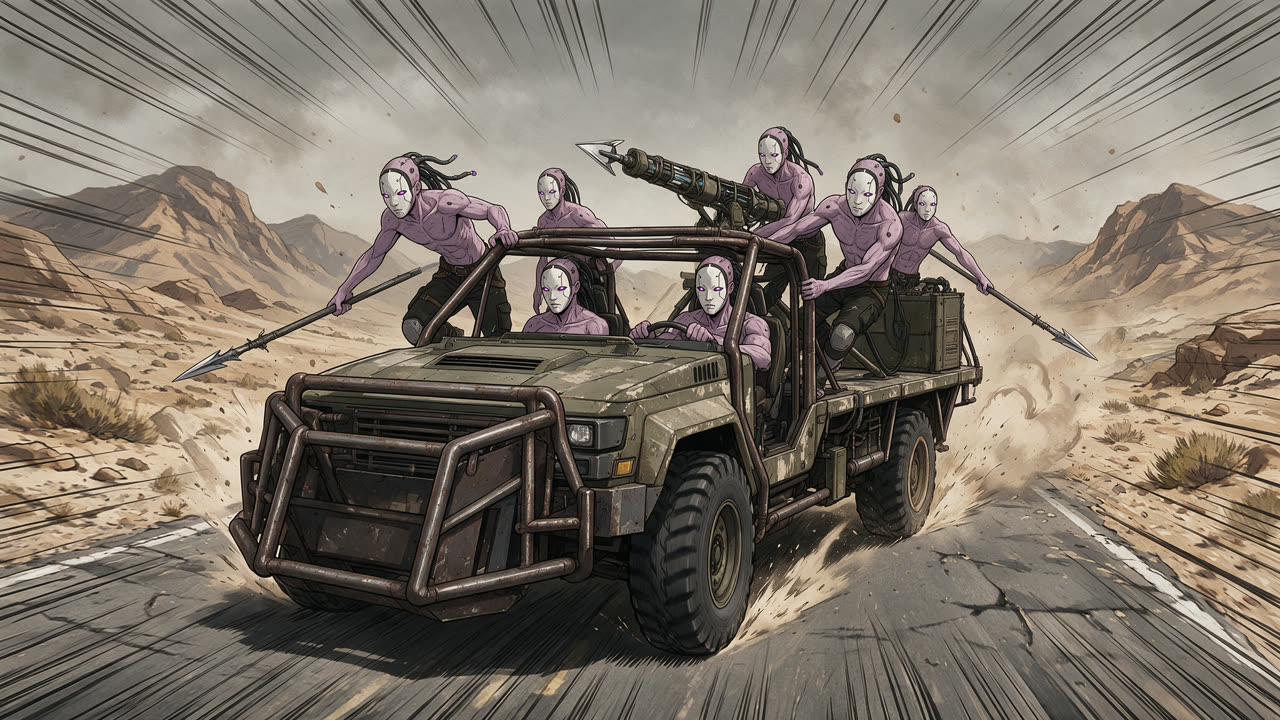
Every frame on this page comes from the animated series we're producing in Director's Chair — one person, one browser tab.

How a shot gets made

From cast to cut.

  1. SC 01

    Your keys. Their prices.

    Director's Chair doesn't resell renders. You connect your own accounts with the model providers and pay them directly — no markup, no credits, no subscription to burn. The app shows the price before every render.

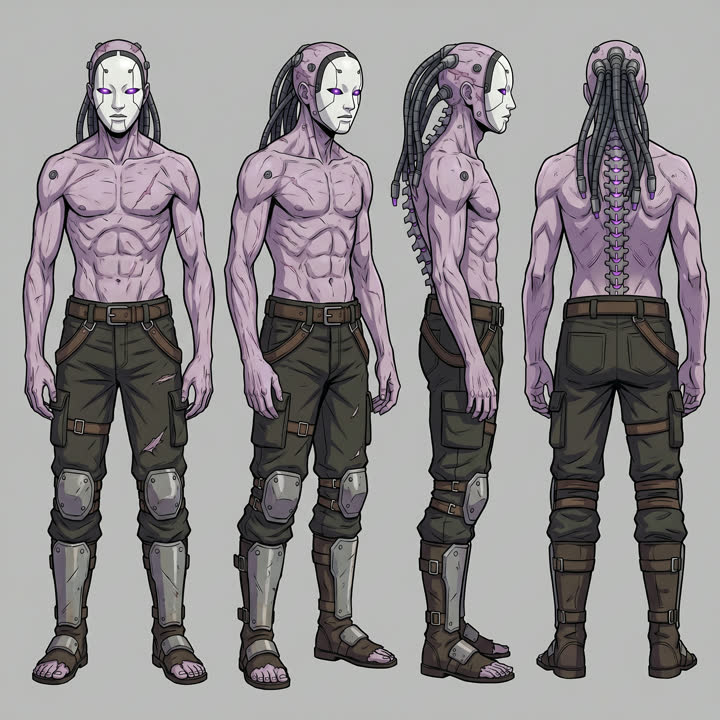
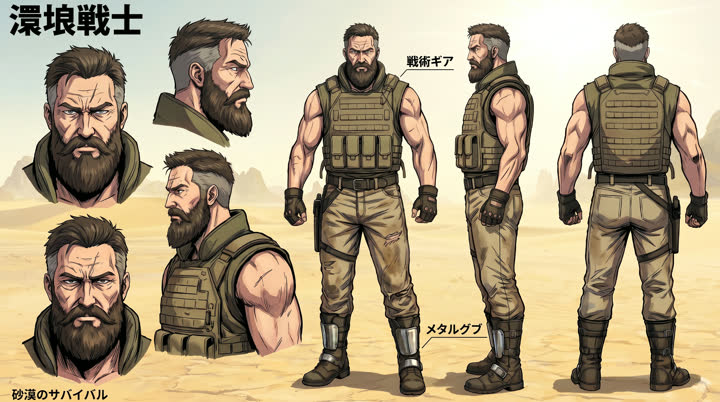
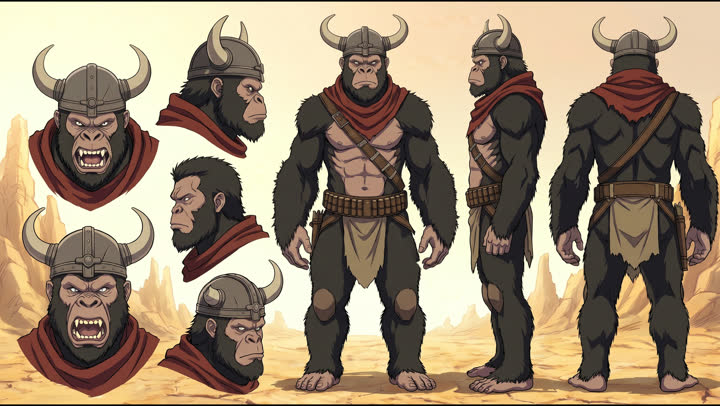
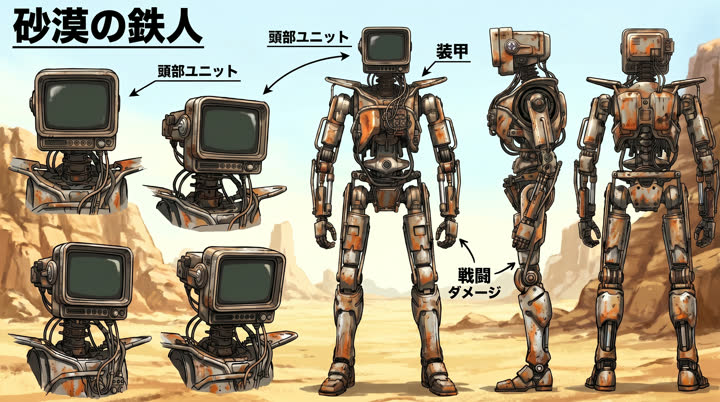
  2. Character sheet: a White Mask raider Character sheet: Cranial Character sheet: Gorilla Character sheet: Robot

    SC 02

    Cast your characters.

    Every character gets a sheet. Tag them in a prompt — @Char.white_mask — and they show up on-model, shot after shot, instead of whoever the model imagines today.

  3. Keyframe: the White Masks' armored truck barreling down a desert highway

    SC 03

    Frame the shot.

    Block the scene in 3D, pick the lens, and generate the keyframe from your cast and your layout. Revise it, re-roll it, or redraw it on another engine until it's the frame you pictured.

  4. SC 04

    Draft the performance.

    Roll quick, cheap takes to find the blocking and the timing — where she raises the fist, when she points, when the line lands. Keep the take that plays. On your own GPU, drafts are close to free.

    Draft · MiniMax H3

  5. SC 05

    Then make her act.

    Hand the take you kept to Seedance as the reference. Same blocking, same timing — but now she performs the line: breath, anger, a voice that's hers every time she speaks. Turn the sound on for both. That's the difference.

    Finish · Seedance 2.0 · your character's cloned voice

  6. Last frame of one shot
    Out
    First frame of the next shot
    In

    SC 06

    Keep it rolling.

    The next shot picks up where the last one left off — the same moment, the same momentum — so a sequence plays as one continuous piece instead of a string of separate clips.

  7. A sequence of shots laid out on a timeline

    SC 07

    Cut the film.

    Trim, reorder, score and grade on a real timeline, then export the film. Everything stays editable — swap a take and the cut updates.

Your first AD

An assistant that knows your film.

Ask it to "make shot 4 a low angle and re-roll it," "draft a continuation for the chase," or "why did this keyframe lose the mask?" It reads your storyboard, writes the prompts, and runs the renders — you stay the director.

Questions

Before you sign up.

What does "bring your own keys" mean?

You create accounts with the AI providers we use (fal and Atlas Cloud) and paste their API keys into Director's Chair. Renders bill to your accounts at the providers' own prices. The app walks you through it in about five minutes and tests each key with a real call before you rely on it.

So what does Director's Chair cost?

The beta is free. You pay only the providers, for what you render.

Who owns what I make?

You do. Your films, characters and renders are yours.

Do I need a powerful computer?

No. Director's Chair runs in your browser; the heavy lifting happens with the model providers. If you have — or rent — a GPU, you can point drafts at it to make them close to free.

When do I get in?

We're inviting people in small waves while we polish it. Join the waitlist and you'll get one email when your seat is ready.

Take the chair.